CSS Tricks: running elements
Having the current chapter name and number displayed in each page margin is useful in many situations: quickly turning the pages and checking the current chapter, printing a page and knowing in which part of the book it is, remembering the general topic of a long paragraph when reading a complex essay…
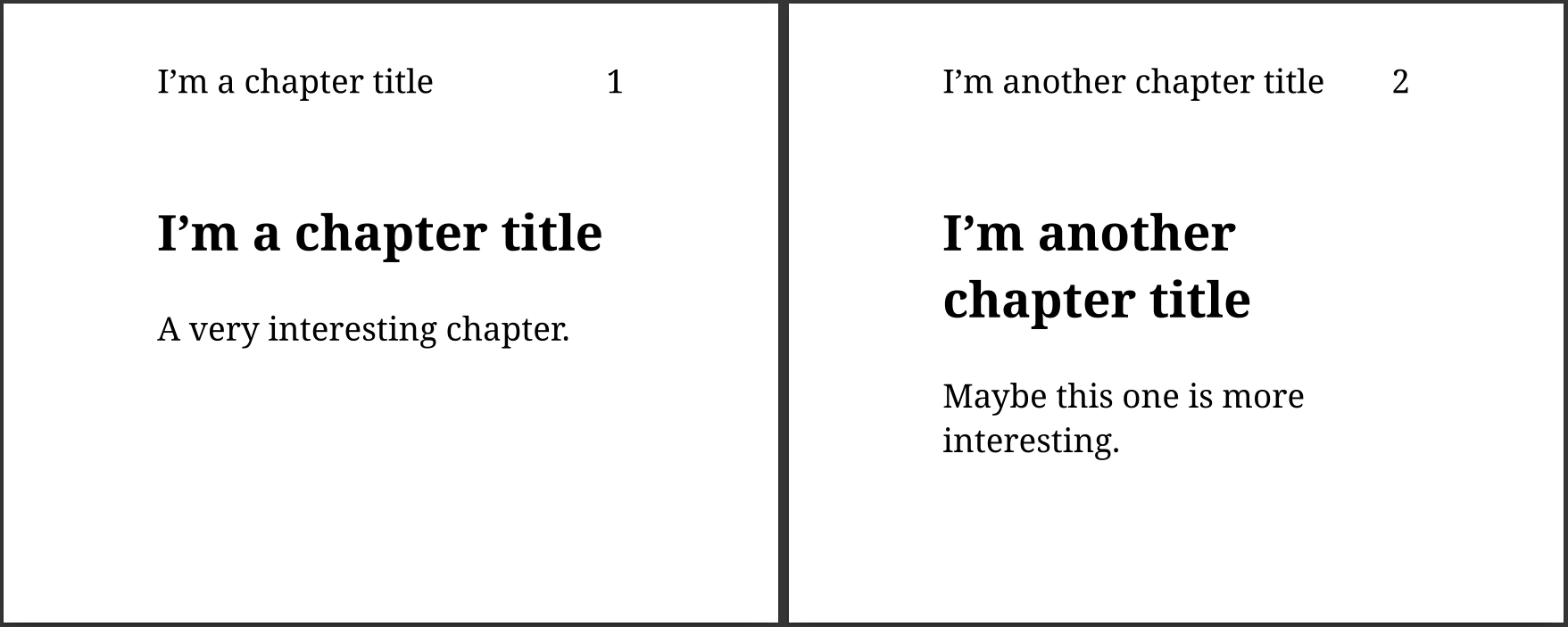
You can put this information in your documents by defining a named string and using it in your page margins:
1 2 3 4 5 | @page { @top-left { content: string(chapter) } @top-right { content: counter(page) } } h2 { string-set: chapter content(text) } |
The string-set property also gives the possibility to include
counters in the text that will appear in the margin:
1 2 3 4 5 6 7 | html { counter-set: chapter-number; } h2 { counter-increment: chapter-number; string-set: chapter counter(chapter-number) ". " content(text); } |
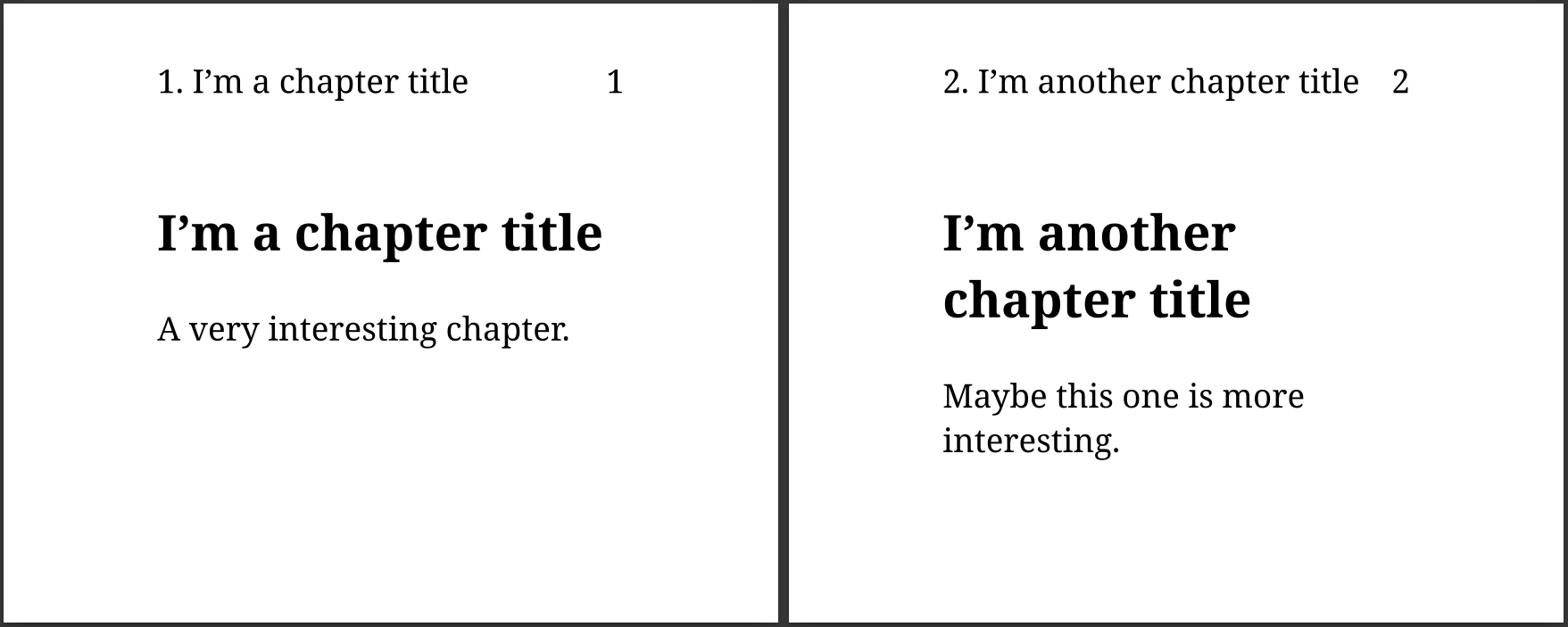
Of course, it’s possible to alternate the position of the chapter on left and right pages, and to remove it from some pages using named pages!
Learn more about page margins: