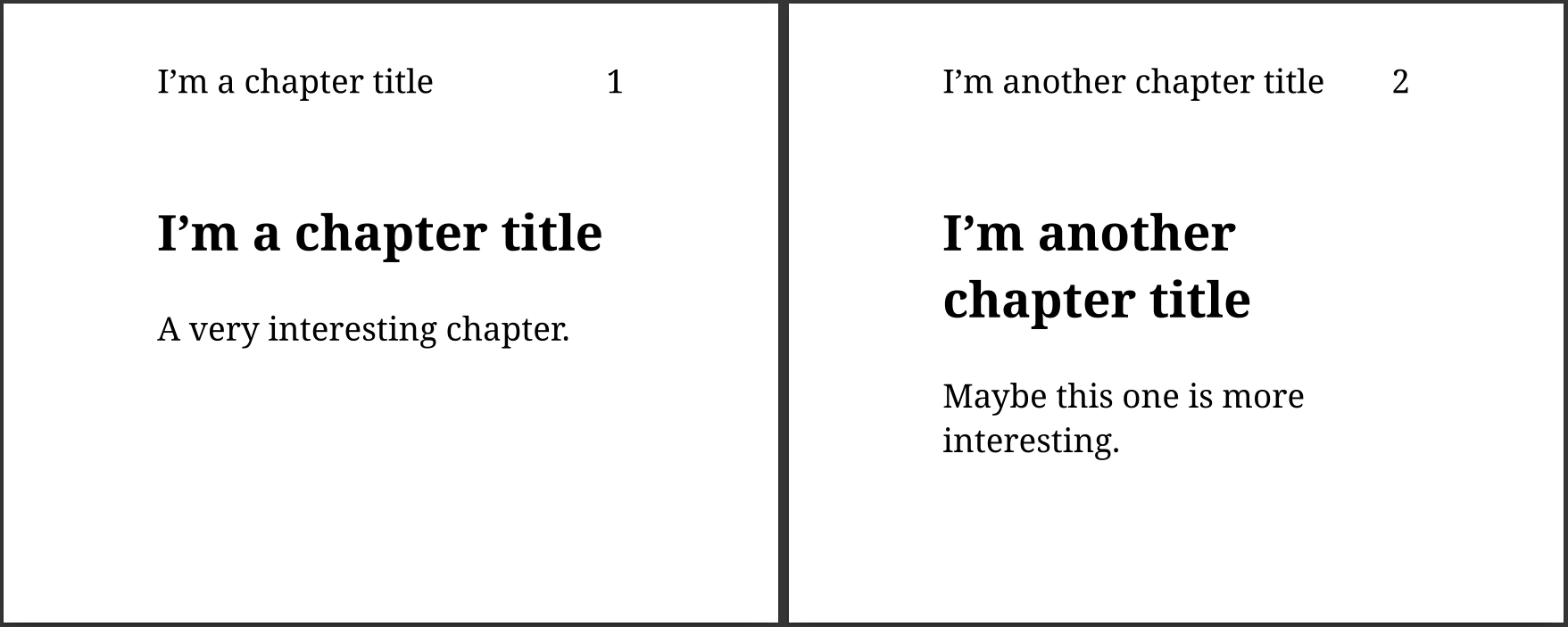
Having the current chapter name and number displayed in each page margin is useful
in many situations: quickly turning the pages and checking the current chapter,
printing a page and knowing in which part of the book it is, remembering the general
topic of a long paragraph when reading a complex essay…
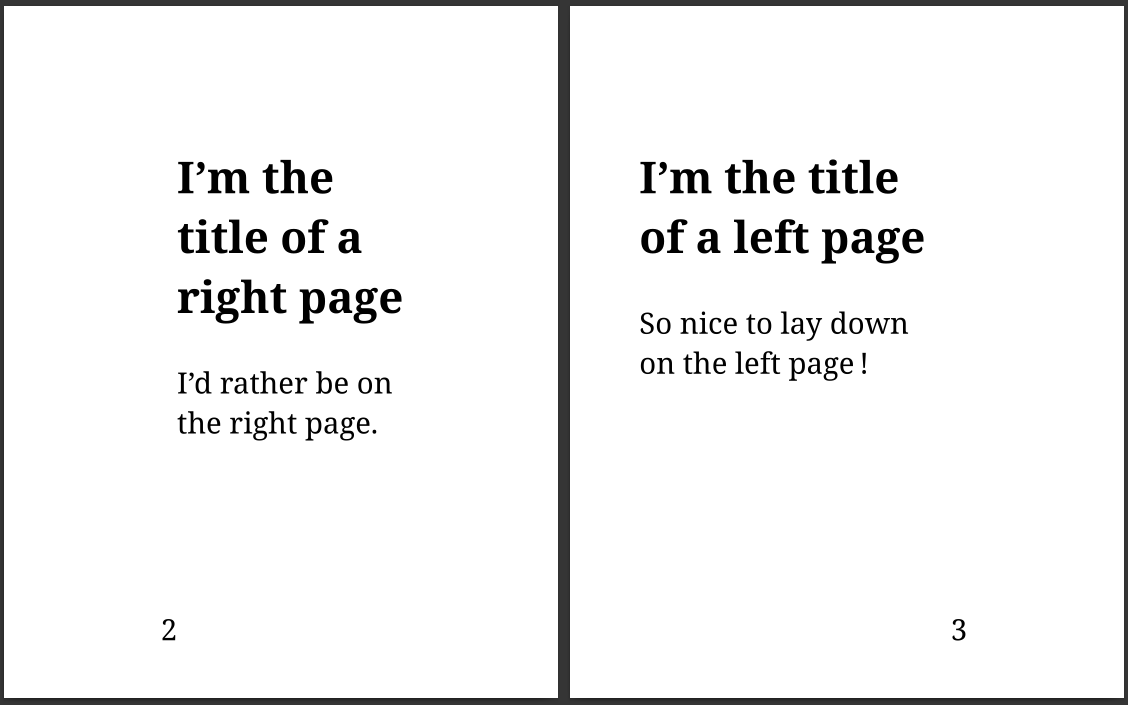
You probably already noticed that books are made of pages. And you probably already
noticed that there are two kinds of pages: rectos and versos. But, did you notice
that it causes the layout of these pages to be slightly different?
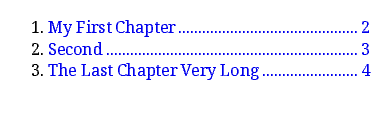
If you ever tried to create a beautiful table of contents, you may have tried
to include leaders. Leaders? Yes, these small dots you put between a chapter’s
title and its page number.

Version 57 of WeasyPrint has been released. As usual, it comes with a
lot of exciting new features and bug fixes.

Do you know what day it is today? It’s October 12, which means that
it’s CourtBouillon’s two-year anniversary 🎂! So it’s time to rewind
and see what happened during this year.
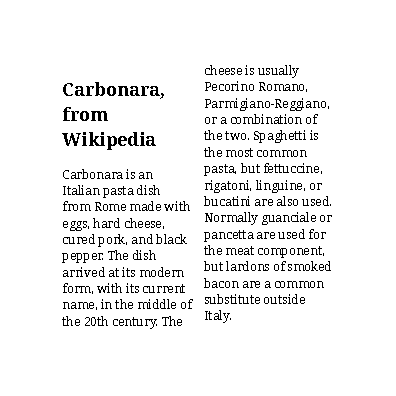
Splitting content into multiple columns is a common way to display text in books,
newspapers and flyers. Guess what: CSS can do this for you!

WeasyPrint v57 is the next major version of WeasyPrint.
We released a beta,
you can give it a try and help us to have a nice stable major release!
Let’s see what we got in this version 🤓!
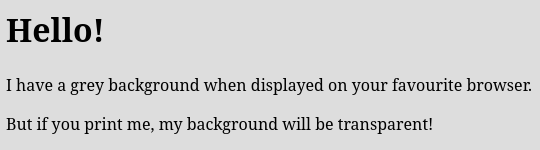
Using the same content on a website and on a printed document is a very common
requirement. Even when the two versions share most of the style, it’s often
useful to define some specific details for one of the supports using media types.
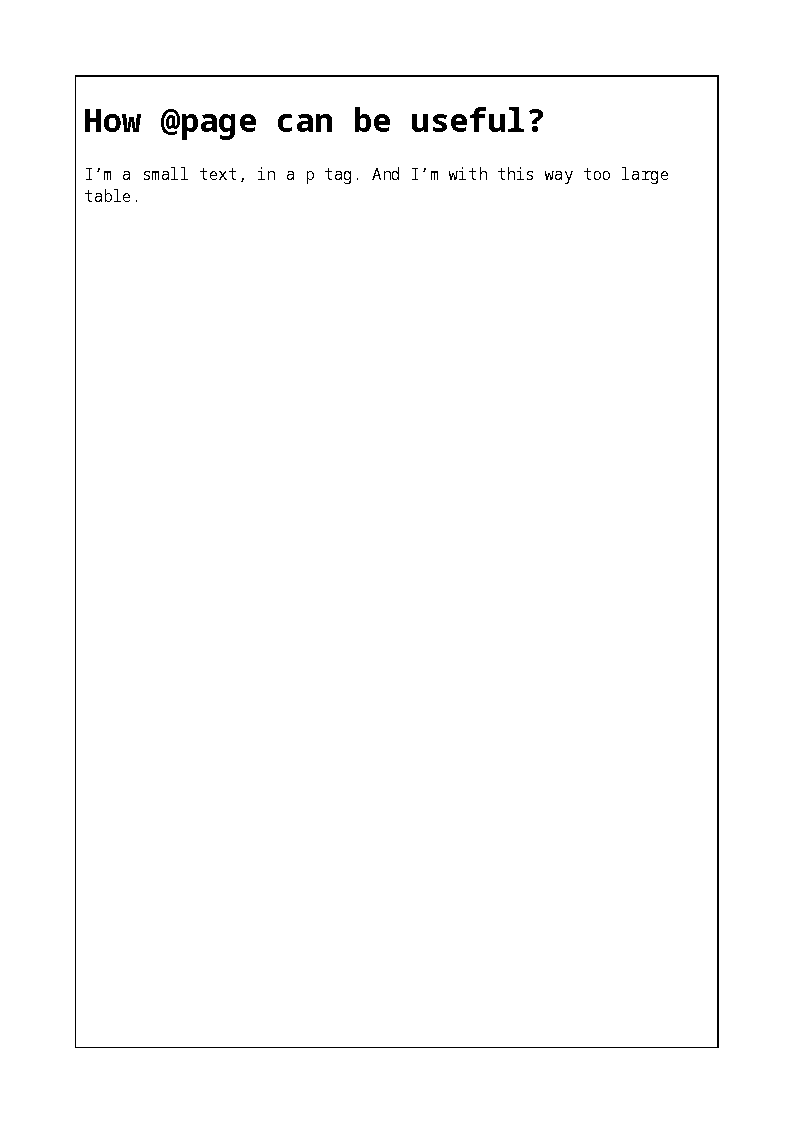
Ever wanted to use a landscape orientation for your tables, because they’re too
large and overflow the page? It’s possible with CSS named pages!

Version 56
of WeasyPrint has been released. The beta didn’t suffer from
outstanding bugs, this stable version is now ready to be installed and
tested.

Do you read this post on Google Chrome? Probably, as almost everybody
does, but… Do you read it on your good old personal computer, in the
bathroom on your smartphone, in your bed on your game console? Or maybe
you’re listening to the article thanks to a voice synthesis? Chrome is
everywhere, but the diversity of its uses may actually save web
diversity.

WeasyPrint v56 is the next major version of WeasyPrint.
We released a beta,
you can give it a try and help us to have a nice stable major release!
This version brings two new features and improves another one.
Let’s see what we got!

Do you read this post on Google Chrome? Statistically, it’s highly
probable. And if you’re on another browser, don’t worry, you won’t have
the choice for long…
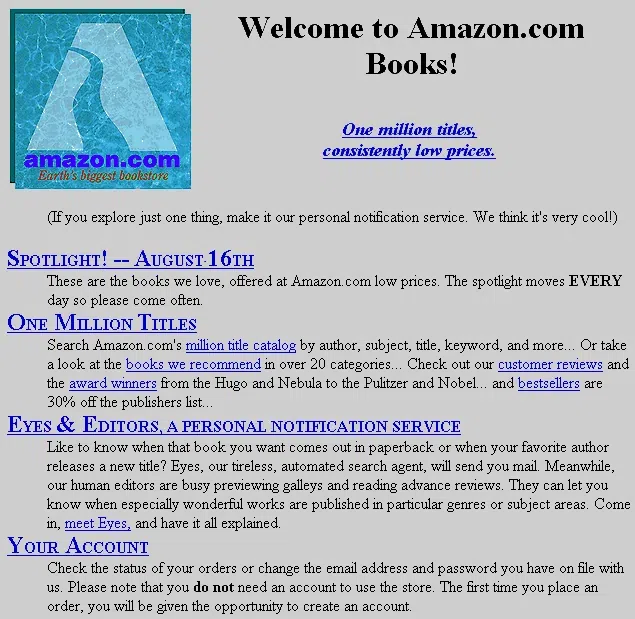
OK, the title is a bit dramatic, but we have to face it: the situation
is serious in the small world of web browsers. Little by little, users
lose what should be theirs. And if you’re reading this, it means that
you’re one of the users.

After some times of doubts and questioning about the future of CairoSVG, we made
a survey to know what the current users would like and expect.
This article presents the results of this survey and what is coming for CairoSVG.

Version 55 of WeasyPrint has been released. The last bugs of the beta
version have been fixed, it’s time for you to install and enjoy the new
features of this latest major version.

WeasyPrint v55 is the next major version of WeasyPrint.
We released a beta,
you can give it a try and help us to have a nice stable major release!
For this version, the main focus was performance improvement. Let’s see
what we got in this version!
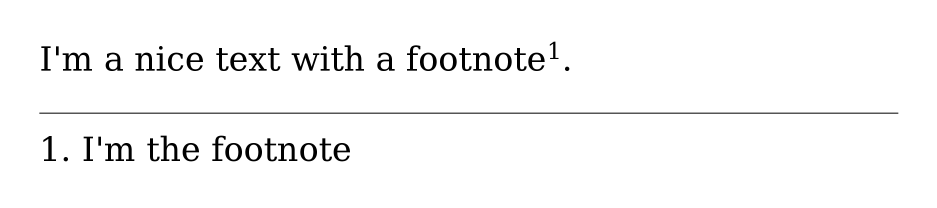
A new feature, footnote, has been added into WeasyPrint 🎉.
This feature is available in the latest version of WeasyPrint: v54.